
Onboarding Best Practices · July 8, 2026
5 AI-Powered UX Best Practices for User-Friendly Visa Onboarding with TorlyAI
Discover five AI-driven UX guidelines to create intuitive, user-friendly onboarding flows for UK Innovator Visa applicants using TorlyAI.

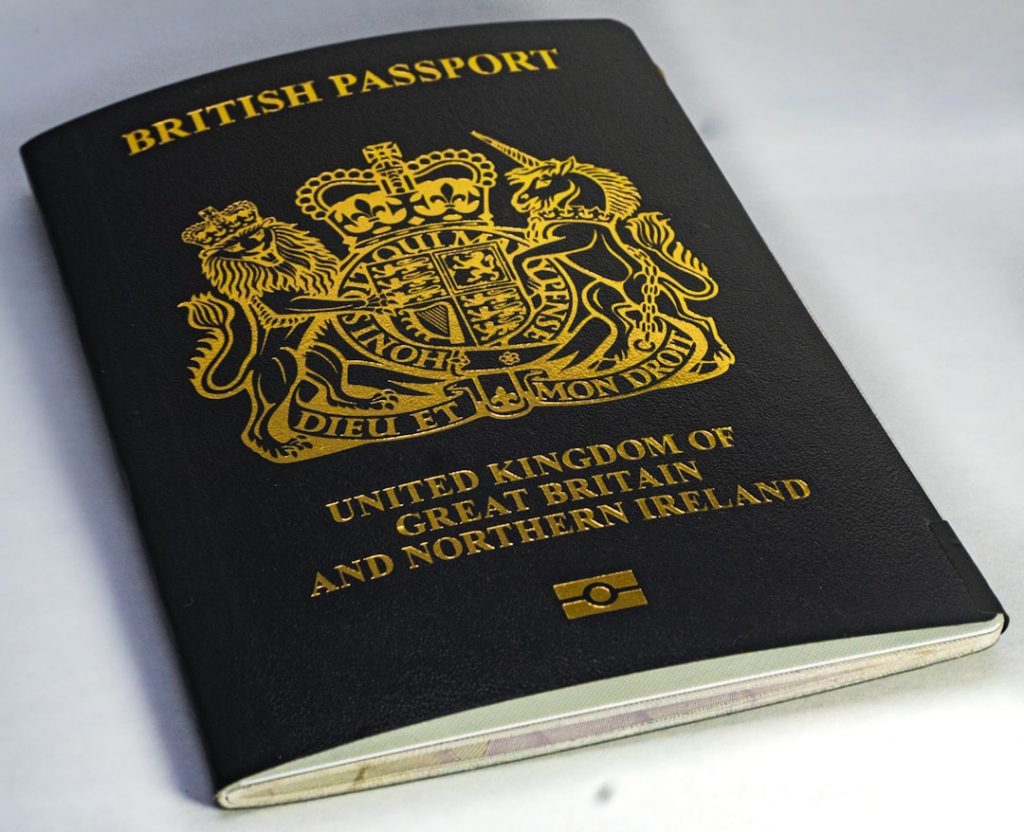
Kickstart Your Journey with a Seamless Experience
Applying for a UK Innovator Visa can feel like wading through a swamp of forms and requirements. One wrong click, and you’re back to square one. That’s where a truly Guided Onboarding Wizard makes all the difference. It’s your digital sherpa, guiding every step.
In this article, we’ll cover five AI-powered UX best practices designed to keep applicants engaged, informed and stress-free. From visual wizards to transparent progress bars, you’ll learn how to treat each document upload like a friendly chat, not a chore. Discover how TorlyAI’s Try our Guided Onboarding Wizard, the AI-Powered UK Innovator Visa Application Assistant brings clarity and confidence to your visa application.
1. Craft a Visual Onboarding Wizard
A picture paints a thousand words—and cuts confusion down to size. Your Guided Onboarding Wizard should use clear visuals to show exactly what’s needed at each step. No guessing. No back-and-forth.
Think of it like IKEA instructions but friendlier:
- Use simple screenshots or illustrations of the form fields.
- Highlight buttons with arrows or animated hints.
- Label each visual: “Select your entrepreneur category” or “Upload your business model document here.”
Why it works: visuals lower cognitive load. People process images faster than text. The result? Fewer drop-outs and more smiles.
Bonus Tip
Pair each image with one crisp sentence. No novel-length explanations. Just “Click here” or “Drag your PDF into this box.”
After you nail the visuals, applicants sail through step one without a hitch. And if they hit a snag? They won’t give up—they’ll trust your wizard.
Download our desktop app to Build your Business Plan NOW
2. Mirror Setup for Document Revisions
Re-submitting documents is one of the main pain points. People forget steps or get overwhelmed when they have to revisit a form. Treat every re-upload like a first-time setup.
Your Guided Onboarding Wizard should:
- Detect outdated or missing files and flag them instantly.
- Offer a clear “revise this document” button with the same visual flow as the initial upload.
- Remind users: “Last time, you stopped at step 3—let’s pick up from here.”
Picture it: an applicant forgot to attach a bank statement. They return next week. Instead of starting cold, the wizard drops them right back at the missing file, with an image cue and a short “Why we need this” tooltip.
That continuity feels reassuring. It shows you’ve thought about real-world hiccups. No more frustration.
3. Enable Flexible Document & Profile Management
Visa applications evolve. You might swap business plan drafts or update personal details. Your onboarding system must flex to keep pace.
A solid Guided Onboarding Wizard empowers users to:
- Rename or delete uploaded files in one click.
- Reassign documents to different sections without restarting the flow.
- Update profile info (like contact details) on the fly.
Imagine you’ve uploaded a draft plan but later tweak it. Instead of deleting everything and starting over, just click “Replace file.” Job done.
This flexibility saves time and trust. Users feel in control, not locked in.
And when it’s time to draft a polished plan? Check out the power of TorlyAI BP Builder.
Use TorlyAI BP Builder APP to Build Your Endorsement Application with 6 AI Agents
4. Show Transparent Progress Indicators
No one likes staring at a spinning wheel. Progress bars should tell the truth: what’s happening, why it’s taking time and when it’s likely done.
Your Guided Onboarding Wizard can:
- Display stages like “Uploading documents,” “Analysing compliance,” and “Preparing summary.”
- Offer time estimates: “This may take 30 seconds.”
- Show a percentage or step count: “Step 2 of 5.”
Honesty builds confidence. If the upload stalls, let users know. A simple “We’re still here” message prevents abandonment.
Example: “Analysing your business plan for Home Office criteria—about 45 seconds left.” No confusion. No panic. Just clear status.
Get started with Guided Onboarding Wizard, the AI-Powered UK Innovator Visa Application Assistant
5. Provide Clear Error Messaging and Guidance
Errors are inevitable—bad Wi-Fi, wrong file type, missing fields. A generic “Upload failed” message is a dead end. Instead, your Guided Onboarding Wizard must be a helpful friend.
Best practices:
- Specific messages: “File must be PDF or JPG, under 5MB.”
- Actionable next steps: “Resize or convert your file, then click ‘Retry’.”
- Inline support links: “Need help? See our file requirements.”
- Retry options without restarting the entire process.
Imagine a user uploads a 10MB image. The wizard pops up: “That file’s too large. Here’s how to compress it.” Add a link to an external guide or tool. They fix it, hit retry, and breeze through.
This approach turns errors into teachable moments. Users learn, apply, and carry on—without frustration.
Grab the TorlyAI Desktop APP to Build your Business Plan NOW
Conclusion: Simplicity Wins
A smooth visa journey isn’t just about ticking boxes. It’s about designing a Guided Onboarding Wizard that feels human, helpful and reliable. By using clear visuals, treating revisions like fresh starts, enabling flexible management, showing honest progress and handling errors with care, you transform a tedious process into an intuitive experience.
Ready to revolutionise your UK Innovator Visa flow?
Wrap up with the Guided Onboarding Wizard, your AI-Powered UK Innovator Visa Application Assistant
