
Corona CA Passport Guide: Library Appointments & Document Requirements

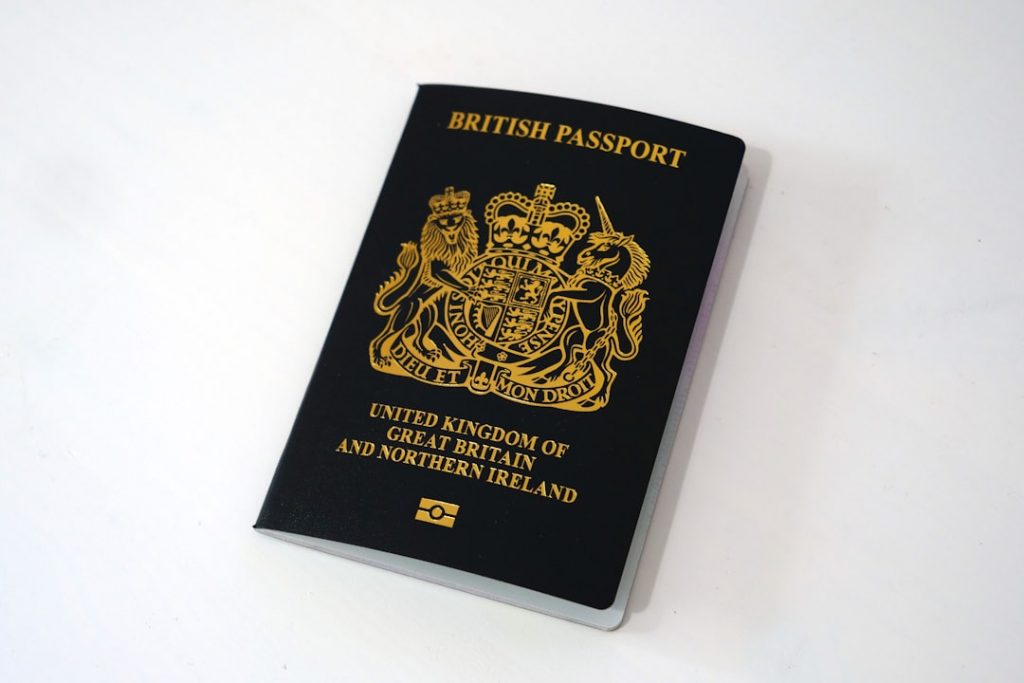
Quickstart: Your One-Stop Corona Library Passport Acceptance Guide
Getting a U.S. passport can feel like learning a new language. Forms, proofs, fees—it’s a lot. But when you nail the Corona Library Passport Acceptance process, it becomes a breeze. This guide walks you through everything: scheduling an appointment, gathering documents, snapping the perfect ID photo and covering fees. By the end, you’ll know exactly what to expect when you walk into the Corona Public Library passport office.
No fluff. No jargon. Just clear steps and insider tips. Ready to streamline your Corona Library Passport Acceptance? Get the AI-Powered UK Innovator Visa Application Assistant for Corona Library Passport Acceptance will keep your documents in check—yes, it sounds geeky, but it works.
Planning Your Appointment
Think of booking a passport appointment like snagging concert tickets. Popular. Fast. Here’s how to score your slot:
- Appointment only: Walk-ins? Not accepted.
- Online scheduling: Visit the State Department’s scheduling page.
- Phone booking: Call (951) 279-3737. Leave a message if nobody picks up. They’ll return your call by the next business day.
Library Passport Office Hours
– Monday–Thursday: 10:20 am–7 pm
– Friday: 11 am–4 pm
– Saturday & Sunday: Closed
Pro tip: Aim for a midweek slot around 11 am. Mornings are calm. Less chance of running into a busy lunch-hour crowd.
What to Bring: Adult Passport Checklist
New passport (16+), or your first one? Show up with:
-
DS-11 Application Form
– Completed in black ink.
– Don’t sign until you’re in front of the acceptance agent. -
Proof of U.S. Citizenship
– Original birth certificate (with parent names).
– Or previous U.S. passport.
– Note: Abstract or hospital certificates without parent names? Not accepted. -
Proof of Identity
– Current driver’s licence.
– Or government-issued ID card. -
Photocopies of ID
– Front and back of your ID.
– Single-sided, clear.
– Library copiers: $0.15 per page. -
Passport Photo
– One 2″×2″, white/off-white background.
– No glasses or shadows.
– Library photo service: $15. -
Fees
– State Department fee: Check or money order only.
– Library execution fee: Check, money order, cash, or Credit Card (Visa/MC/Discover).
“Wait, that’s a lot of stuff.”
True. But once you tick each box, you’re golden.
Minor Passport Guide (Under 16)
Applying for kids? Both parents or guardians must be present. Essentials:
- DS-11 Form (same rules: fill in black ink, don’t sign).
- Proof of Citizenship: Original birth certificate with both parents’ names.
- Evidence of Relationship: Certified birth certificate or guardianship order.
- Parental IDs: Valid driver’s licences or government IDs.
- Photocopies: IDs front and back, $0.25 per page at the library.
- Photos: Same 2″×2″ specs, no glasses.
- Fees: Identical fee structure—two payments required.
Can’t get both parents in one room? The non-appearing parent must fill DS-3053 or write a notarised letter.
Fees & Payment Options
Understanding fees upfront can save headaches on appointment day. Here’s the breakdown:
Adult (16+)
– Passport Book: $130 (State) + $35 (Library) = $165
– Passport Card: $30 + $35 = $65
– Book & Card: $160 + $35 = $195
Child (Under 16)
– Passport Book: $100 + $35 = $135
– Passport Card: $15 + $35 = $50
– Book & Card: $115 + $35 = $150
Additional Services
– Photo: $15
– Express mail (to State Dept): $26.35
– Expedited service: $60
– Return express mail: $21.36
Payment methods
– State Dept Fee: Check or Money Order only.
– Library Fee: Cash, check, money order, or card.
Need a quick recap? Explore the AI-Powered UK Innovator Visa Application Assistant to simplify your Corona Library Passport Acceptance—it’s not just for visas. It tracks fee structures like a champ.
Passport Photo Tips
A bad photo = appointment redo. Avoid that. Follow these simple rules:
- Plain white or off-white background.
- Head centered, neutral expression.
- No glasses, hats, or headphones.
- Shirt collar visible.
- No shadows on your face.
Think of passport photos like school IDs. Looksalike you, but polished. Library charges $15. Or DIY, but be precise.
After Your Appointment: What’s Next?
Once you hand over forms and fees, what’s next?
- Processing times fluctuate. Check the State Department site.
- Standard service: 8–11 weeks.
- Expedited (paid): 5–7 weeks.
- Track online: Use the State Department’s passport portal.
Keep your appointment receipt handy. It has the barcode and tracking info. No peeking in your mailbox? You can also call the National Passport Information Center.
Extra Resources & Pro Tips
- Library of Things: Borrow a laminator or copier. Handy for extra copies.
- Heritage Room: Need genealogy records? Great spot for birth certificate research.
- Ask a Librarian: Free help with forms, digital resources.
And if you’re planning that UK business trip—entrepreneur route or scale-up—give Torly.ai’s AI-Powered UK Innovator Visa Application Assistant a whirl. It crunches visa requirements, builds your business plan, and spots gaps you’d miss.
Real User Stories
“Booking my library appointment felt like climbing Everest. But this guide broke it down into steps. No stress!”
— Jamie L., Corona resident
“I brought the wrong ID to my first appointment. Lesson learned: photocopies count! This resource would’ve saved me time.”
— Priya S., first-time passport applicant
“Fast, friendly library staff. And they’ll even take your photo! This process was way smoother than I expected.”
— Marcus T., returning passport applicant
Wrap-Up & Final Tips
Getting your U.S. passport through the Corona Public Library doesn’t have to be a nightmare. Remember:
- Book early. Slots fill up fast.
- Gather originals and copies. Double-check each item.
- Follow photo specs. No surprises there.
- Bring separate payments for State and Library fees.
Ready to conquer the next paperwork mountain? Start your journey with the AI-Powered UK Innovator Visa Application Assistant for Corona Library Passport Acceptance—it’s your secret weapon for visa and passport prep. Safe travels!