
Developer Guides · April 25, 2026
Customize Your TorlyAI Workflow: Streamline UK Innovator Visa Preparation
Learn how to tailor TorlyAI’s interface and Kanban workspace to your unique workflow for faster, more efficient UK Innovator Visa business plan development.

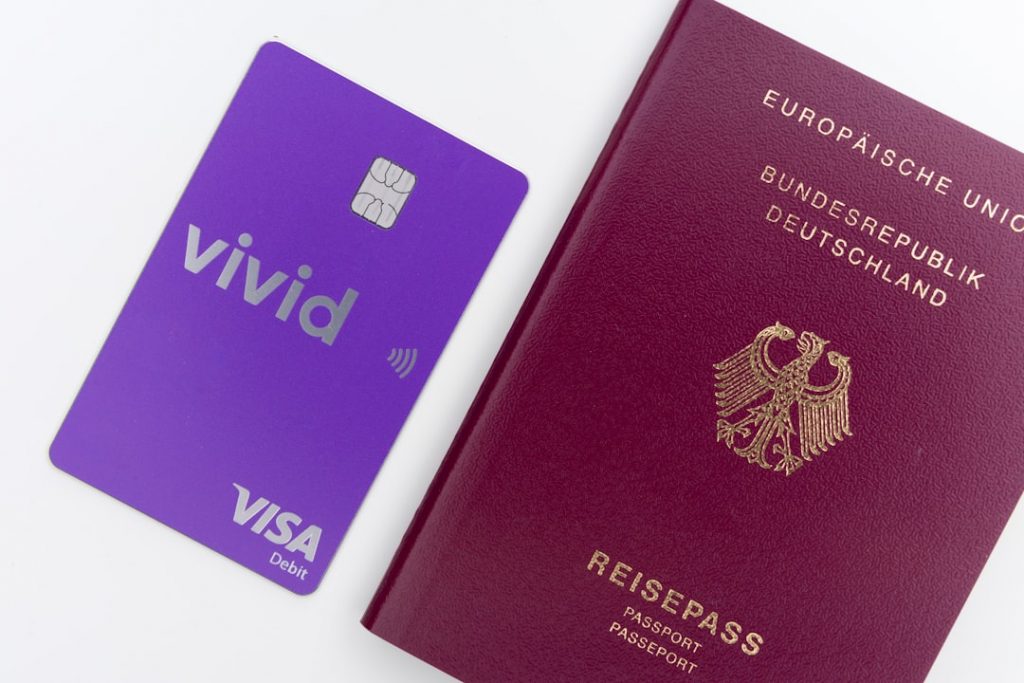
Get Ahead with Custom Visa Application Tools
Preparing a UK Innovator Founder Visa can feel like solving a maze blindfolded. Every step matters, every document counts. You want speed and precision, but off-the-shelf visa application tools often leave gaps. That’s where TorlyAI shines. We built an AI layer that adapts to your workflow, not the other way around. Imagine trimming hours off your prep, focusing on what really drives your business idea forward.
This guide shows you how to tweak TorlyAI’s interface and Kanban workspace so you stay on top of every requirement. You’ll learn how to build a dashboard that mirrors your unique process. Ready to try out the leading visa application tools? Explore top visa application tools with TorlyAI integrates our AI-powered UK Innovator Visa Application Assistant right into your daily routine.
Why Every Founder Needs a Tailored Workflow
Most visa application tools follow a one-size-fits-all approach. They bundle every feature possible, then leave you to hunt for what you really need. The result? Cluttered desktops, dozens of tabs, and wasted hours. You might miss a section, overlook a question or misplace a file. Frustrating, right?
TorlyAI takes a different route. It treats your Innovator Visa plan as a living project. You pick and choose which steps matter most—from initial concept to EB endorsement. Then you define:
- Which tasks appear front and centre
- How long each stage should take
- Who needs to review what document
By mastering these custom visa application tools, you’ll work smarter. No more sifting through irrelevant options. Just a lean, focused path to endorsement.
Getting Started with TorlyAI’s Interface Customisation
TorlyAI’s UI is built like a modular kit. You add, remove or swap out components with a few clicks. It’s similar to configuring a survey toolbar: you decide which buttons show up based on what you’re doing.
- Open your TorlyAI dashboard.
- Navigate to Settings → Interface.
- Hit Customize Toolbar.
Here you’ll see actions like:
- Undo/Redo changes
- Switch between draft and preview modes
- Export your business plan outline
Toggle off anything you don’t use. Drag and drop the actions you need up top. Now your workspace only shows what matters for your Innovator Visa plan.
After you finalise your toolbar, keep that momentum going by setting up your personal Kanban board. And if you want to take it offline, Download our Business Plan Builder Desktop App for a fast local experience.
Configuring Toolbar Buttons
Each button is an action object. You give it:
- A unique ID (so TorlyAI knows what you mean)
- An icon (so your eyes know what to click)
- A tooltip (so you remember what it does)
Then bind it to a function. For example, you might create a “Clear Draft” button that resets your plan outline in one go. Set its visibility to only appear in the Plan Draft stage. Done.
Step-by-Step: Tailoring Toolbar Actions
Imagine you’re in the Compliance Check tab. You only need three actions:
- Upload Document
- Run Eligibility Scan
- Export Checklist
Remove everything else. Less noise, faster decisions. Next time you switch to Idea Validation, you might see:
- SWOT Analysis Tool
- Market Research Import
- Feedback Hub
Want to automate this switch? Use TorlyAI’s dynamic visibility settings. Define a rule: when you hit “Validation”, only validation-related buttons appear. It’s like having an assistant who rearranges your desk for you.
Once this is set up, you’re ready to lock in your endorsement plan. Build Your Endorsement Application with TorlyAI’s BP Builder App for a guided, six-agent workflow that covers all 31 critical skills.
Optimising Your Kanban Workspace for Visa Prep
A Kanban board helps you visualise progress. By default, TorlyAI gives you:
- Backlog
- In Progress
- Review
- Done
But Innovator Visa prep needs more stages:
- Concept Check
- Proof of Innovation
- Founder Background Review
- Financial Model Draft
- EB Endorsement Prep
Add columns for each. Label tasks with deadlines and assign to team members. Colour-code items by priority or risk level. Suddenly that board becomes a living story: idea to endorsement.
And yes, you can automate task movement. Set rules so when a document passes the AI-powered compliance scan, it moves automatically to Review. It feels like magic, but it’s just smart process design using the best visa application tools.
In the middle of your workflow tweaks, you might wonder: where’s the AI doing the heavy lifting? It’s all right here. Discover top visa application tools with TorlyAI and get real-time feedback on each task.
Advanced Tips: Dynamic Components & Automation
Beyond toolbar and Kanban, TorlyAI supports:
- Custom Dashboards: Combine charts, checklists and notes.
- Smart Notifications: Ping you when a visa requirement changes.
- API Integrations: Hook into Google Drive, Slack or your favourite CRM.
You can even show or hide components based on data conditions. For example, if your funding proof is marked as “Pending”, display a “Submit Bank Statement” call-out. Remove it when you upload the file. It’s like having a personal project manager who never sleeps.
Case Study: How One Startup Founder Saved Hours
“Before TorlyAI, I juggled five spreadsheets and lost track of a key document. I missed the EB deadline twice. After setting up a tailored toolbar and Kanban, I cut my prep time in half. The AI flagged missing sections before I even knew they were missing. Endorsement came through in under four weeks. I never looked back.”
Smart customisation isn’t a gimmick. It’s a workflow revolution. And TorlyAI makes it effortless.
Testimonials
Emma Li, Founder at GreenTech Innovations
“I built a complete Innovator Visa plan in record time. The custom toolbar and kanban make everything intuitive, and the AI checks saved me hours.”
Raj Patel, CEO of HealthWave
“Dynamic visibility rules mean I only see what’s relevant. No more hunting through menus. TorlyAI is the best set of visa application tools I’ve used.”
Conclusion
Customising your TorlyAI workflow turns a complex Innovator Visa process into a clear path. You decide what buttons matter, how tasks flow and when AI chimes in. No more generic visa application tools holding you back.
Ready to fine-tune your visa prep and secure that endorsement? Unlock your visa application tools with TorlyAI
